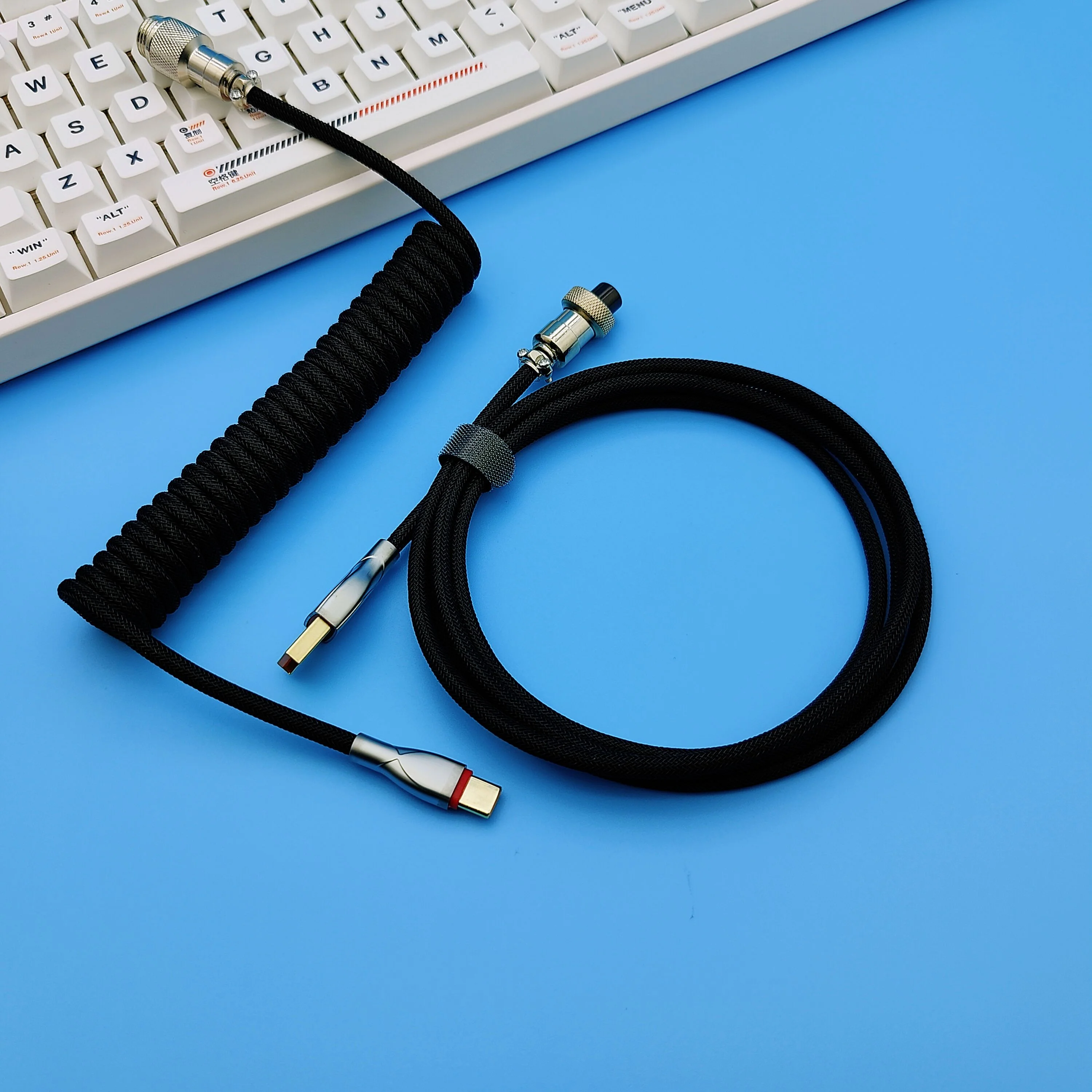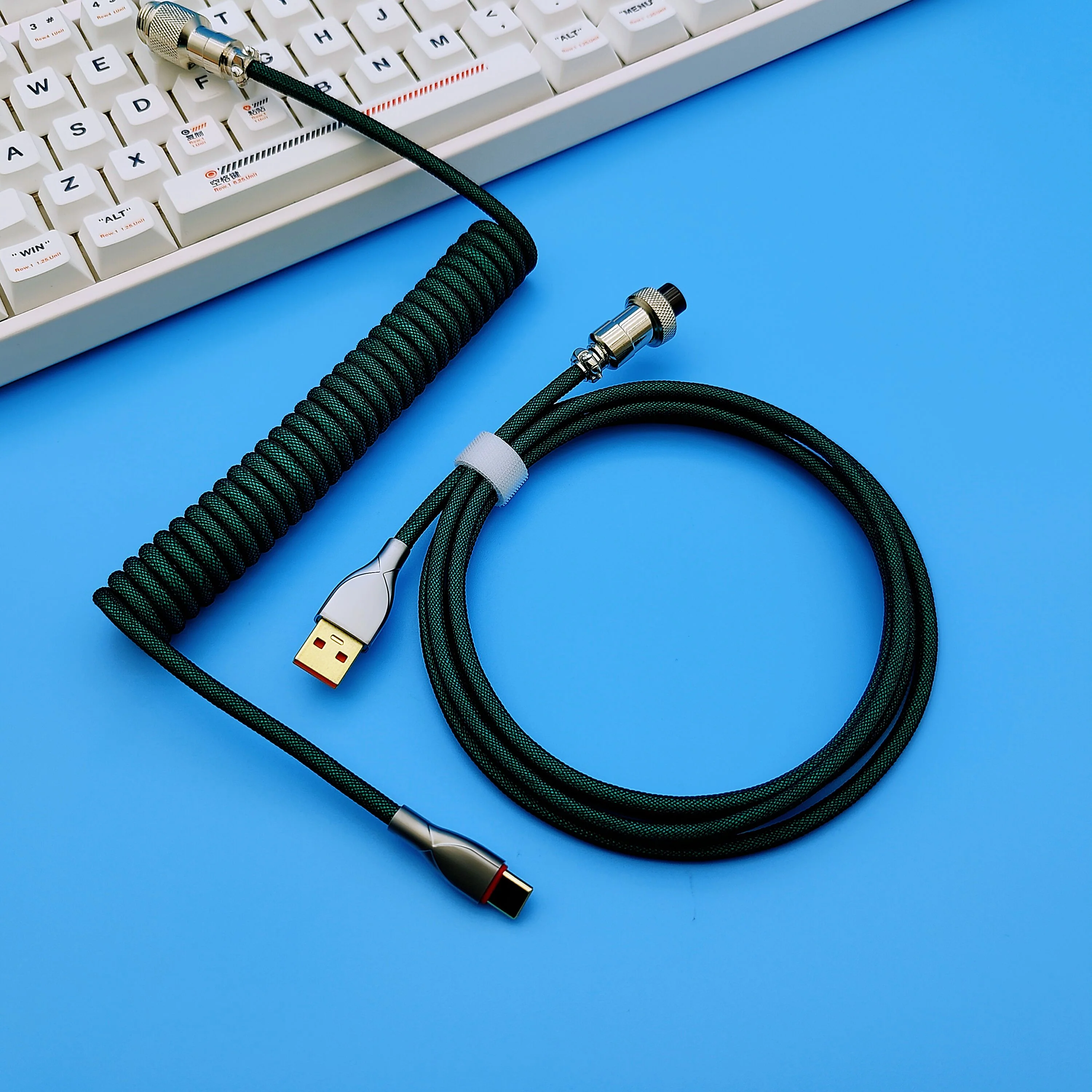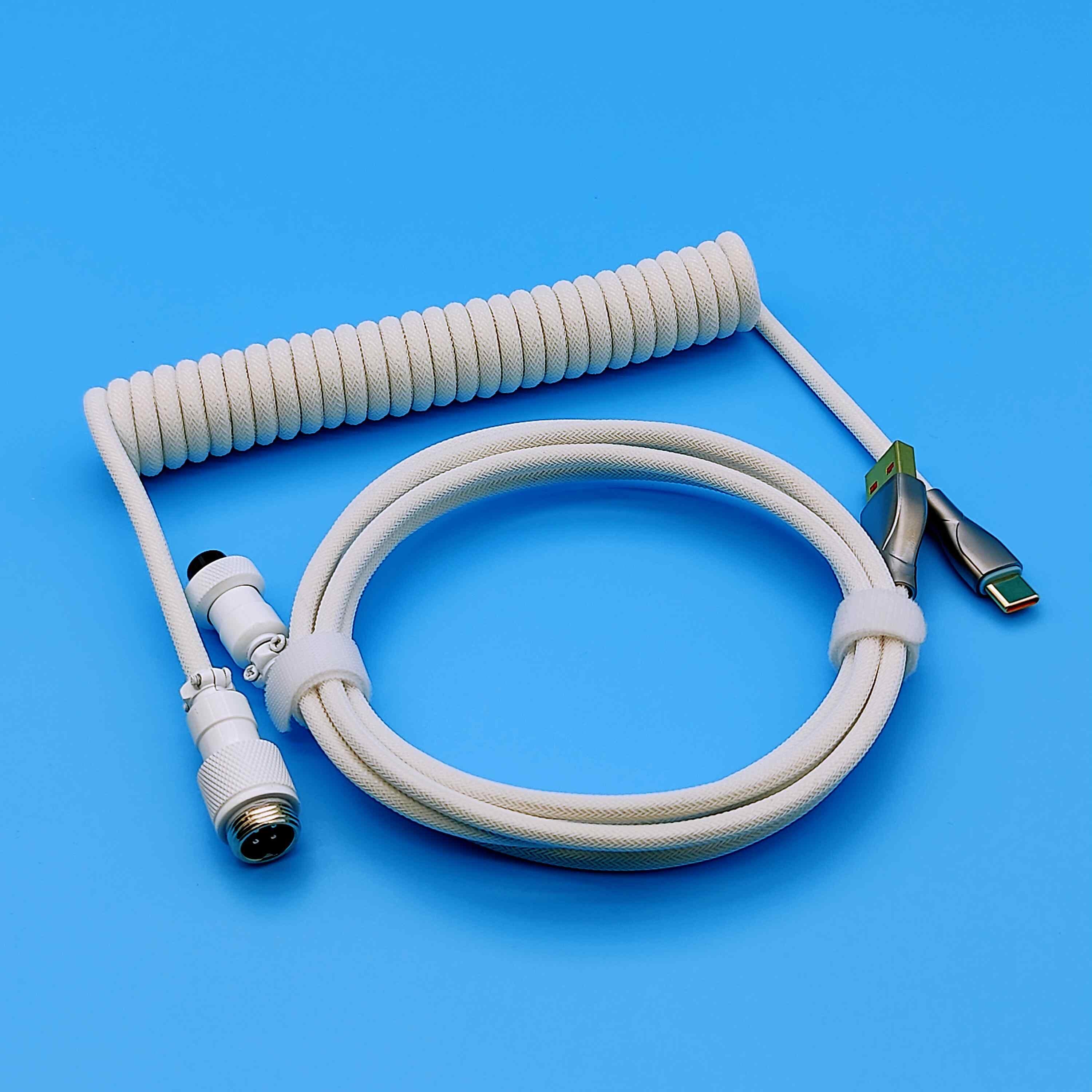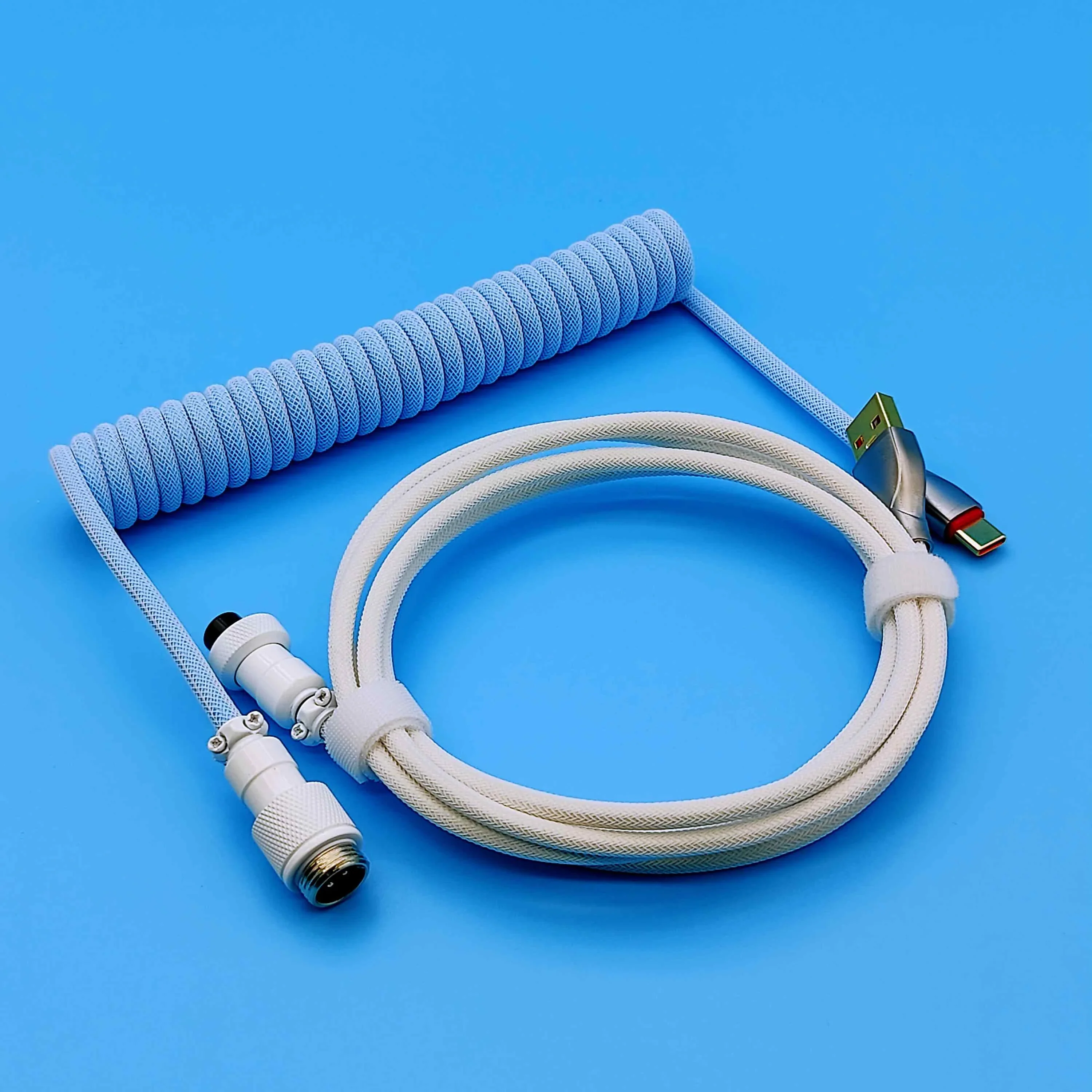


UNKNOWN ERROR - D35 Multiple Color Light - Dual Split Series Keyboard Cable
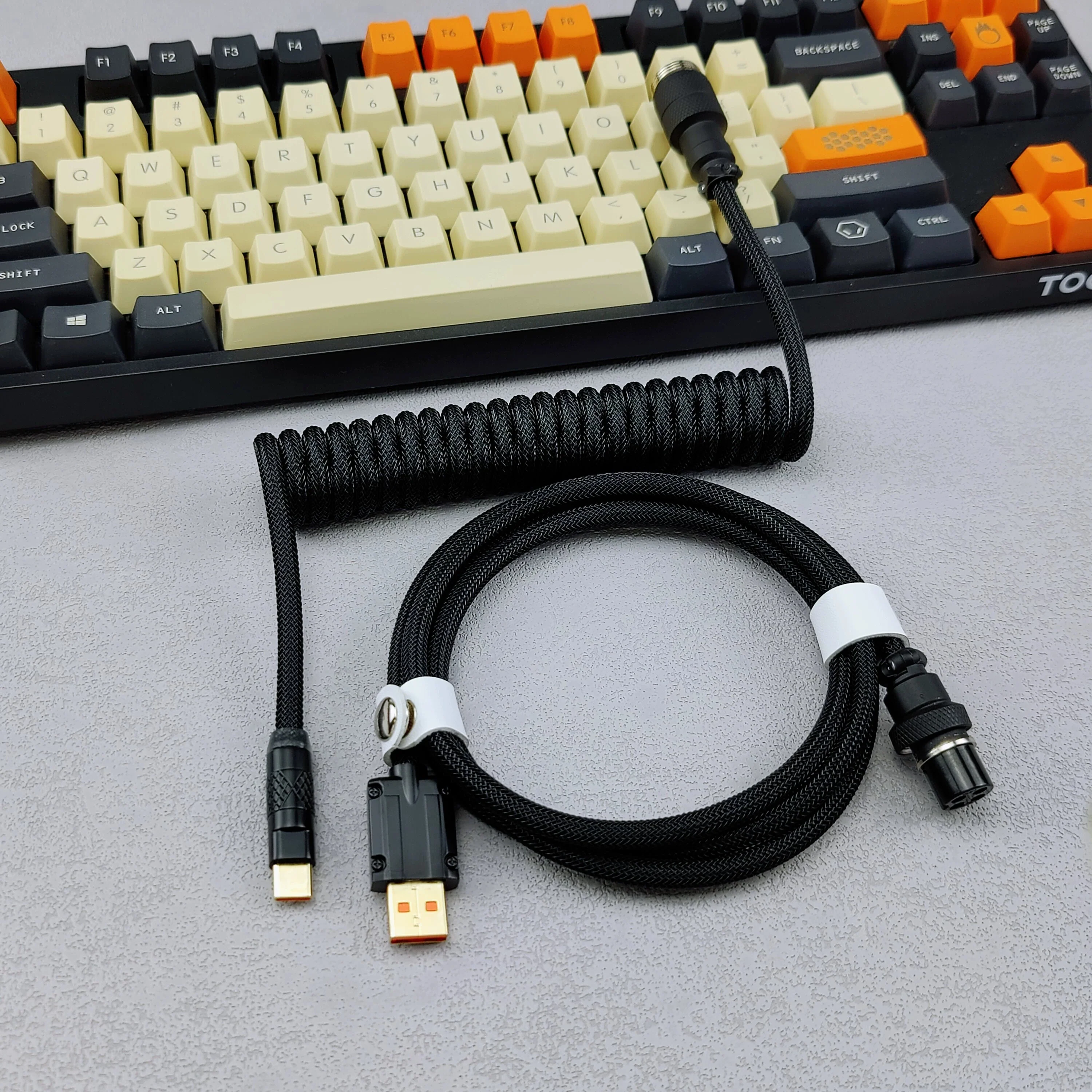
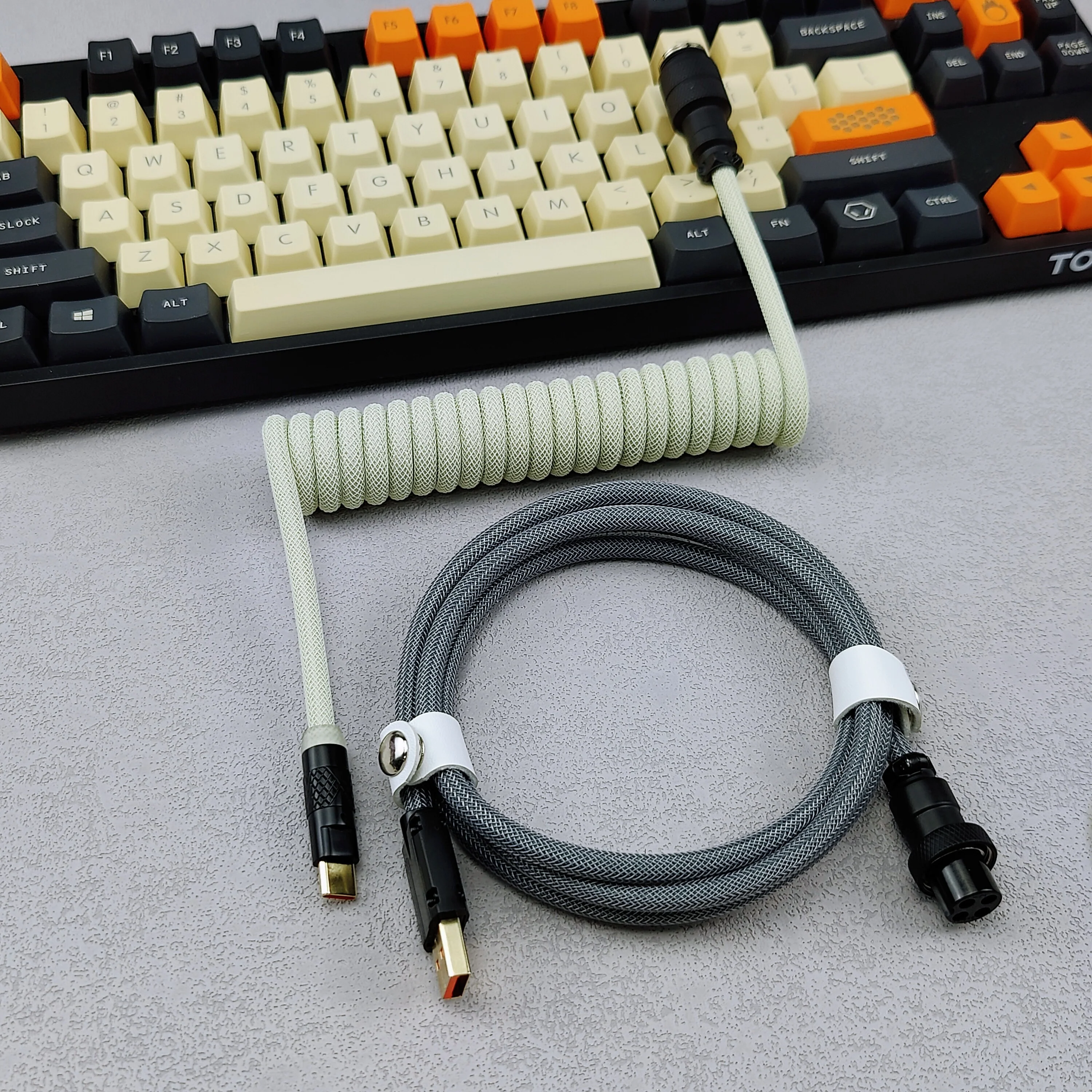
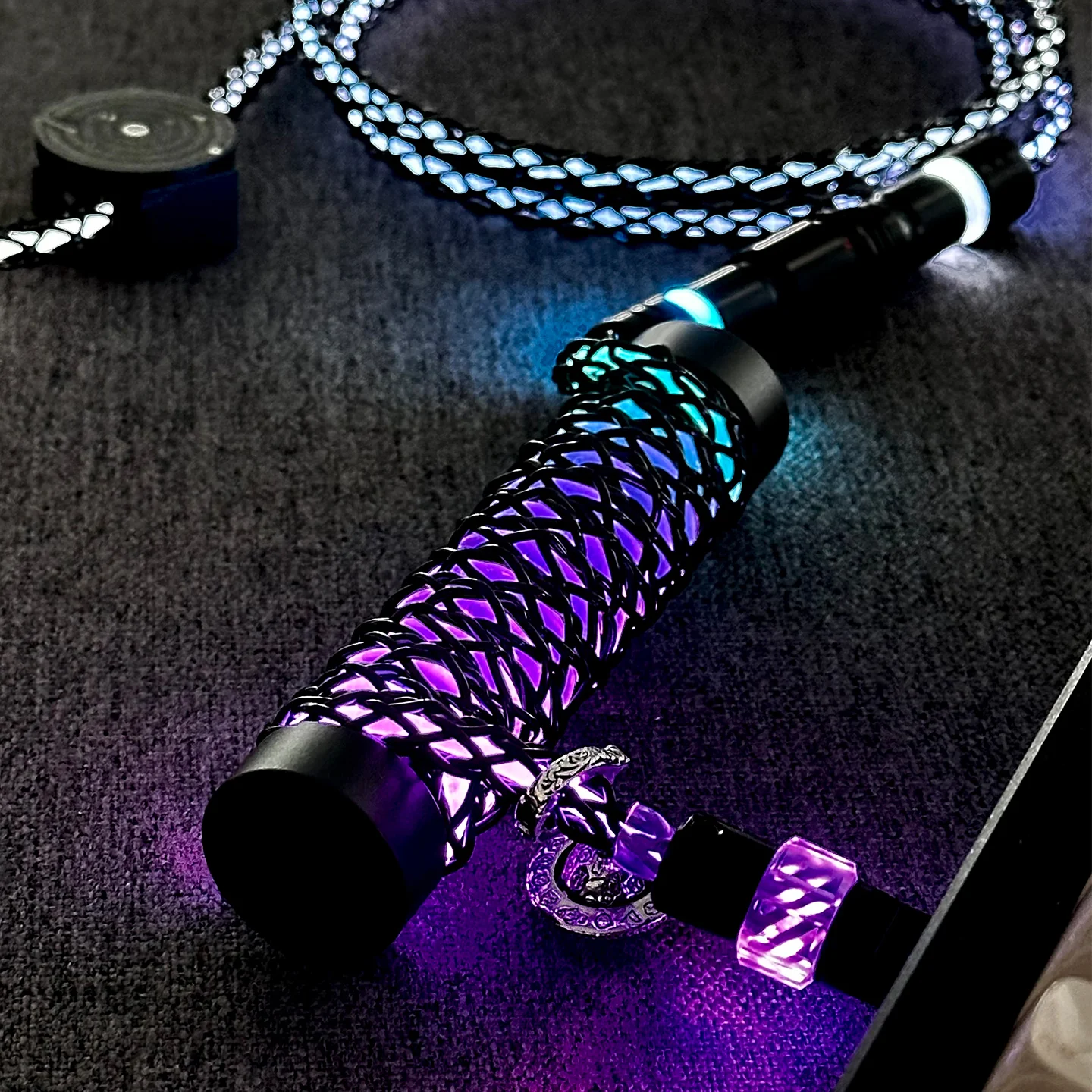
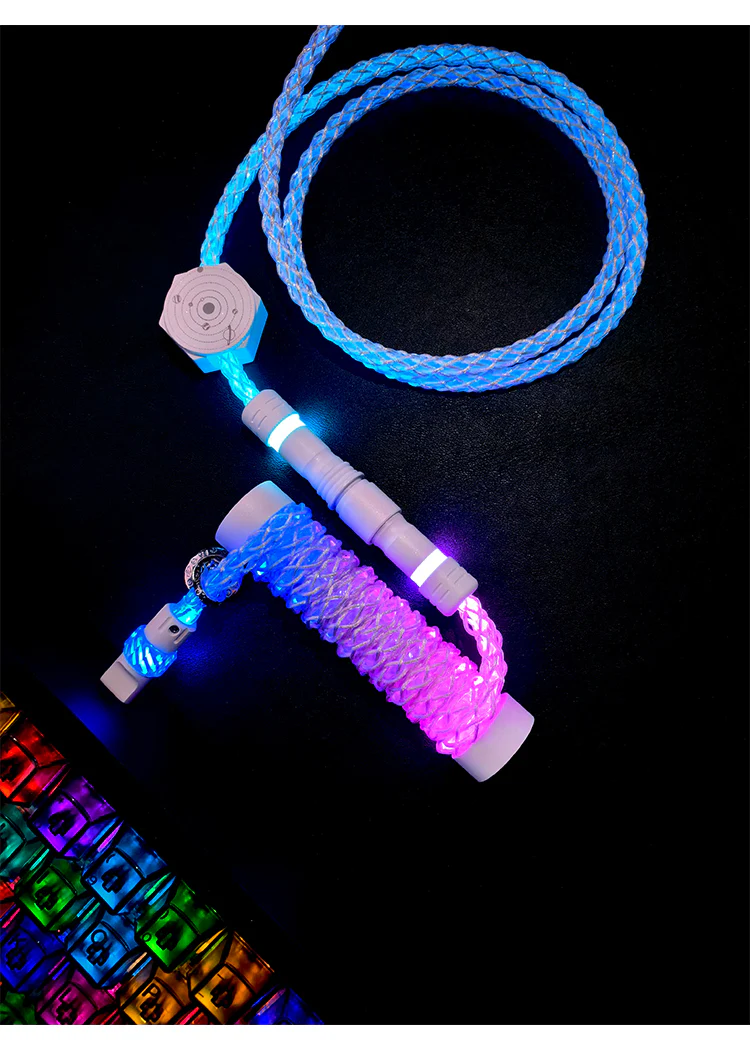
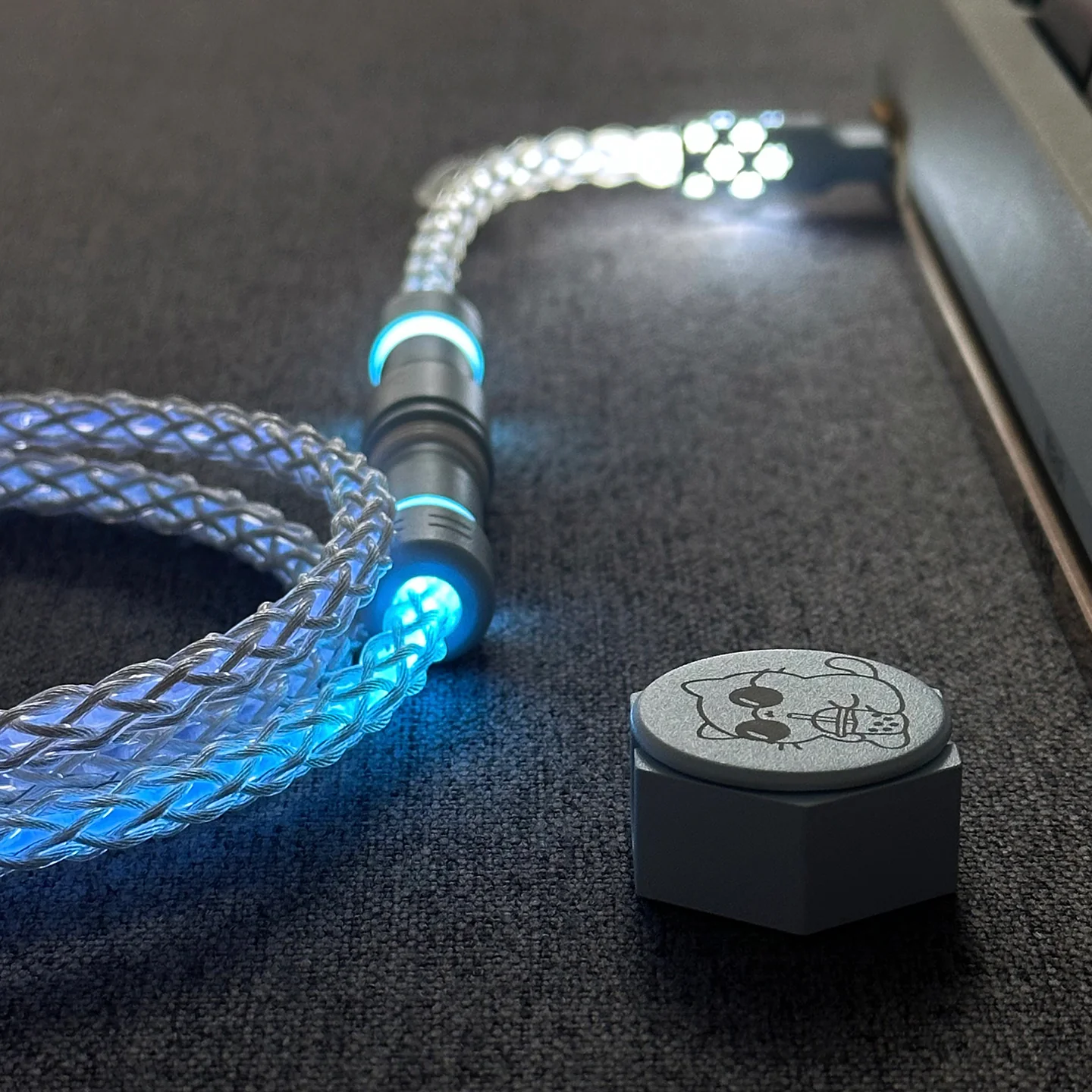
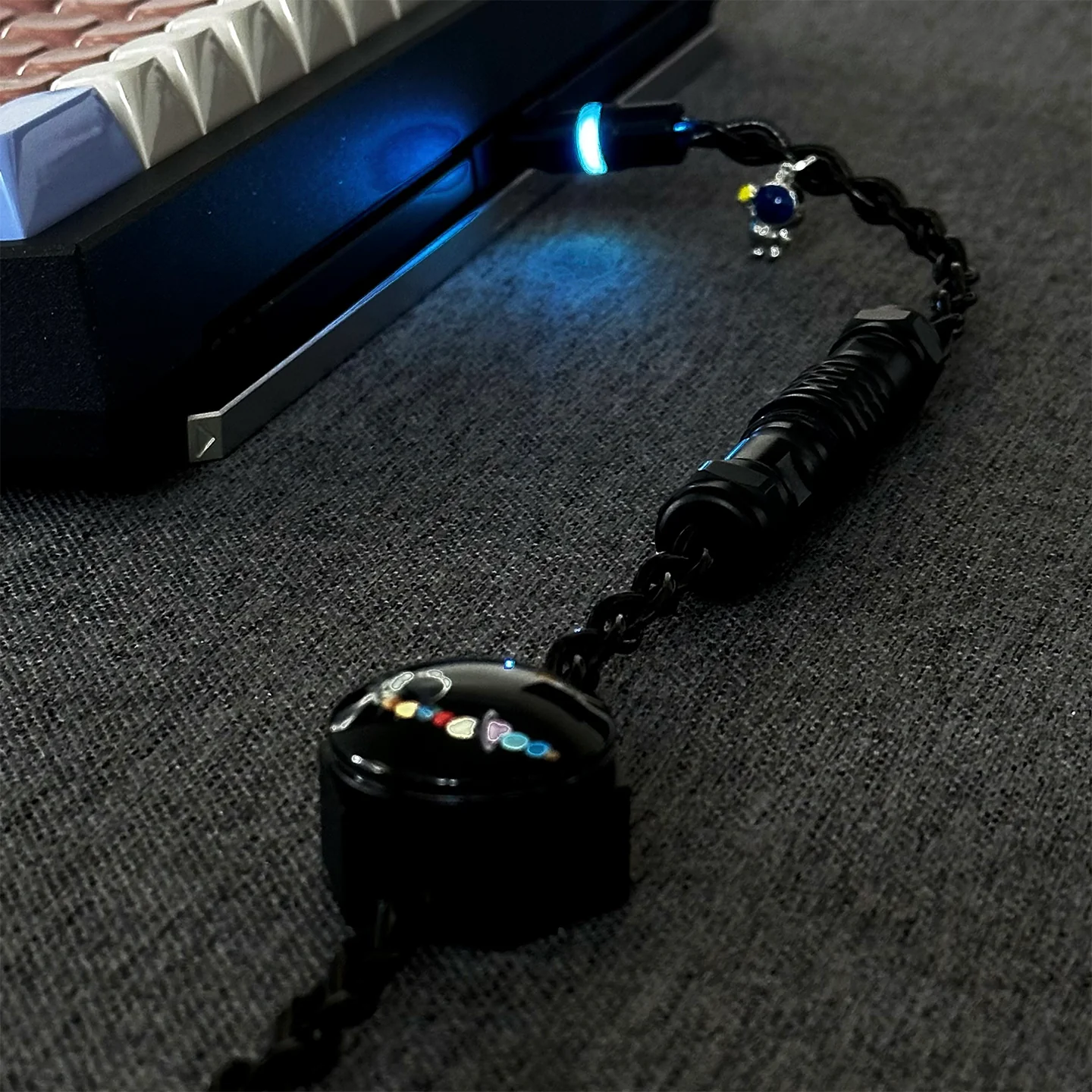
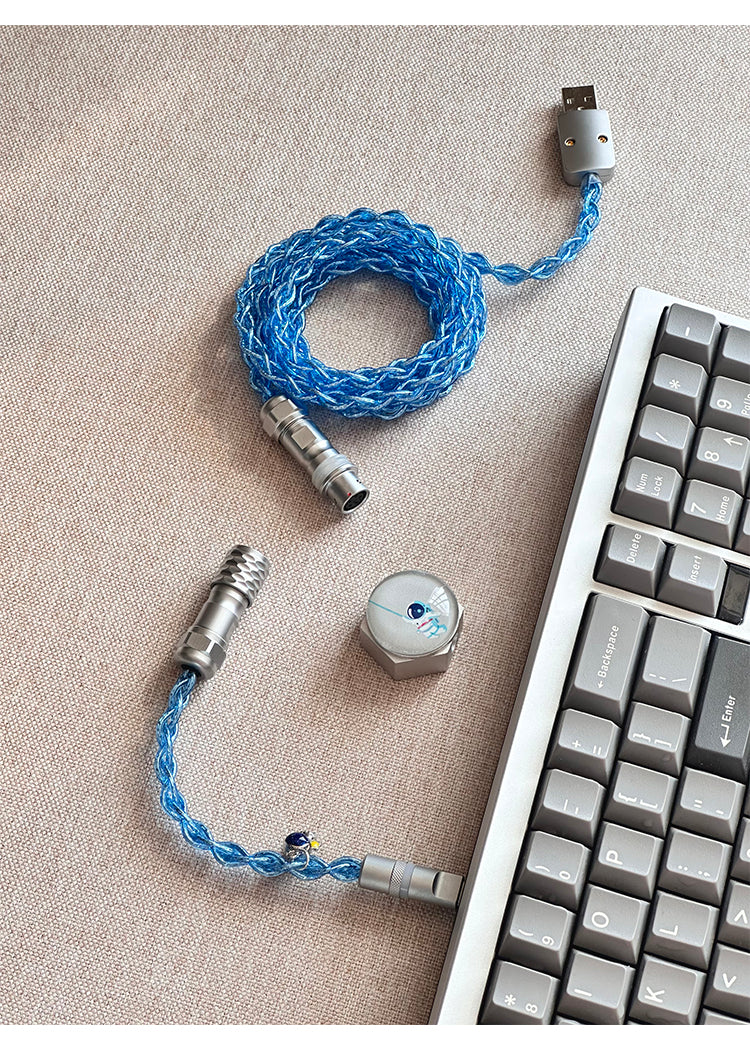
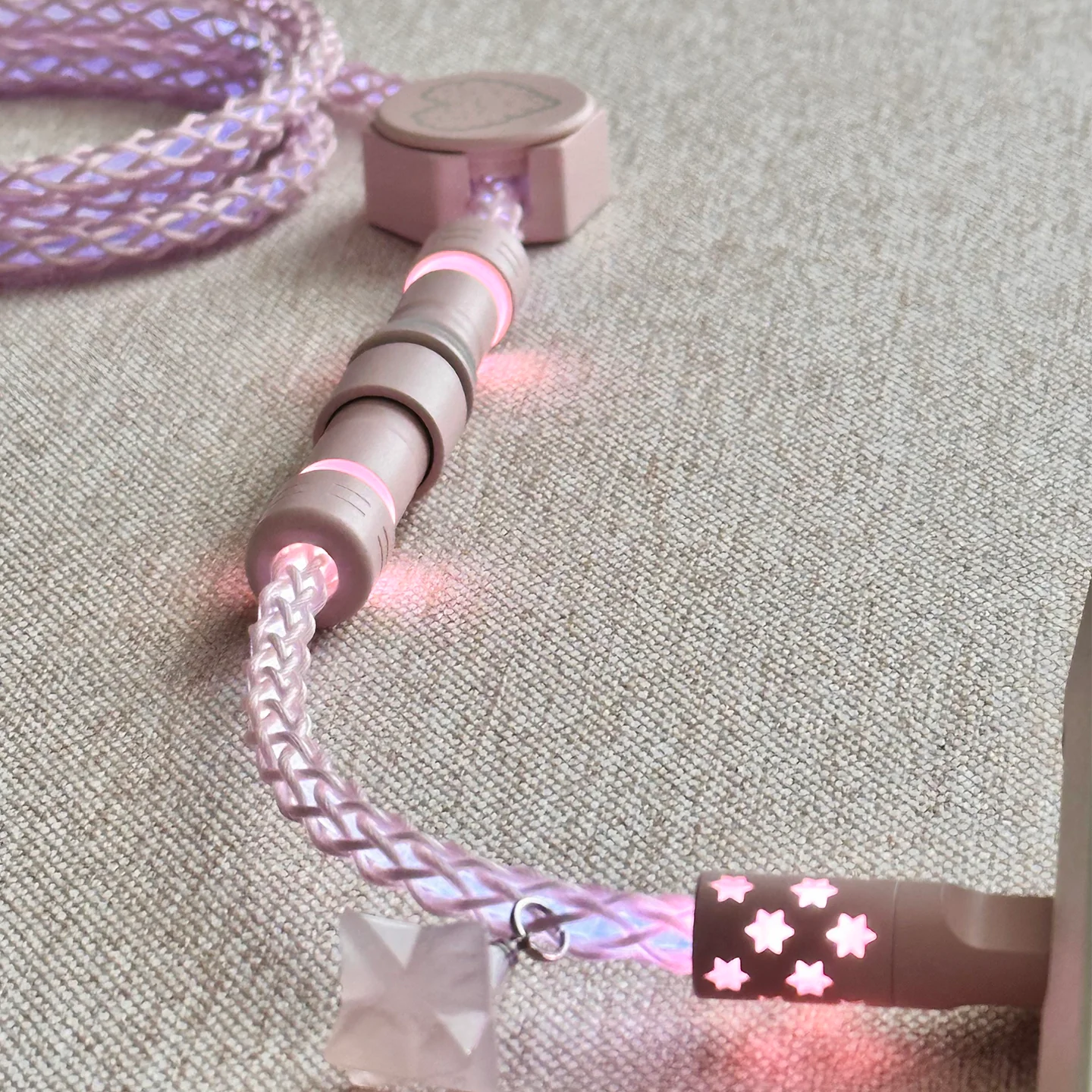
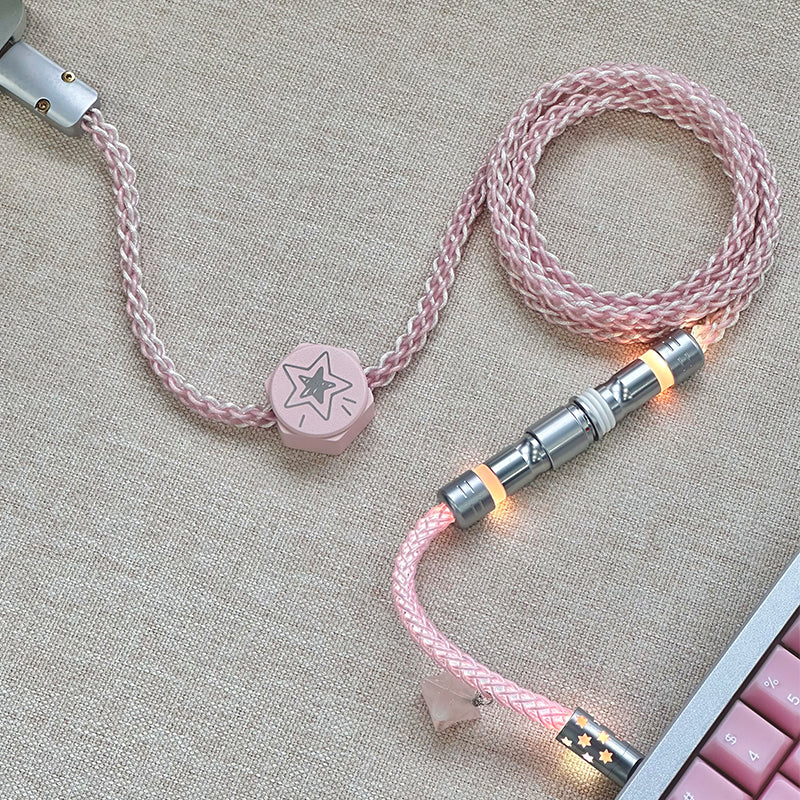
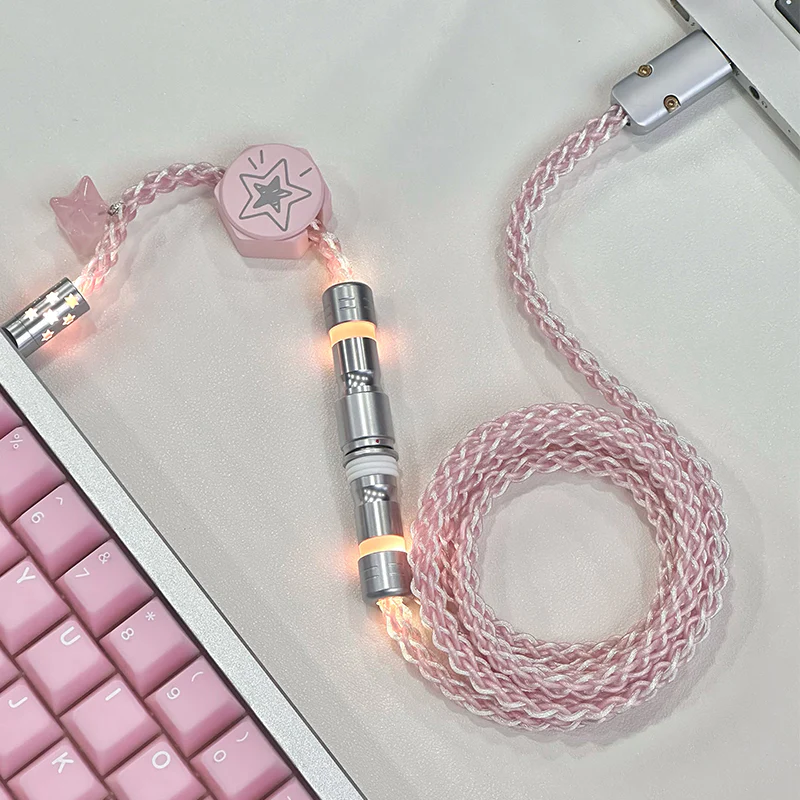
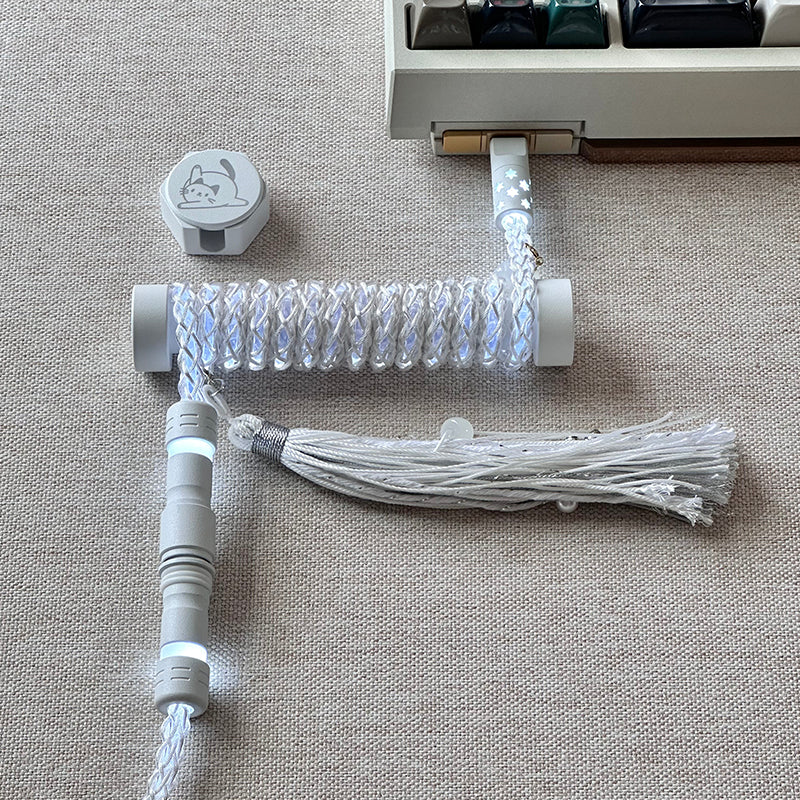
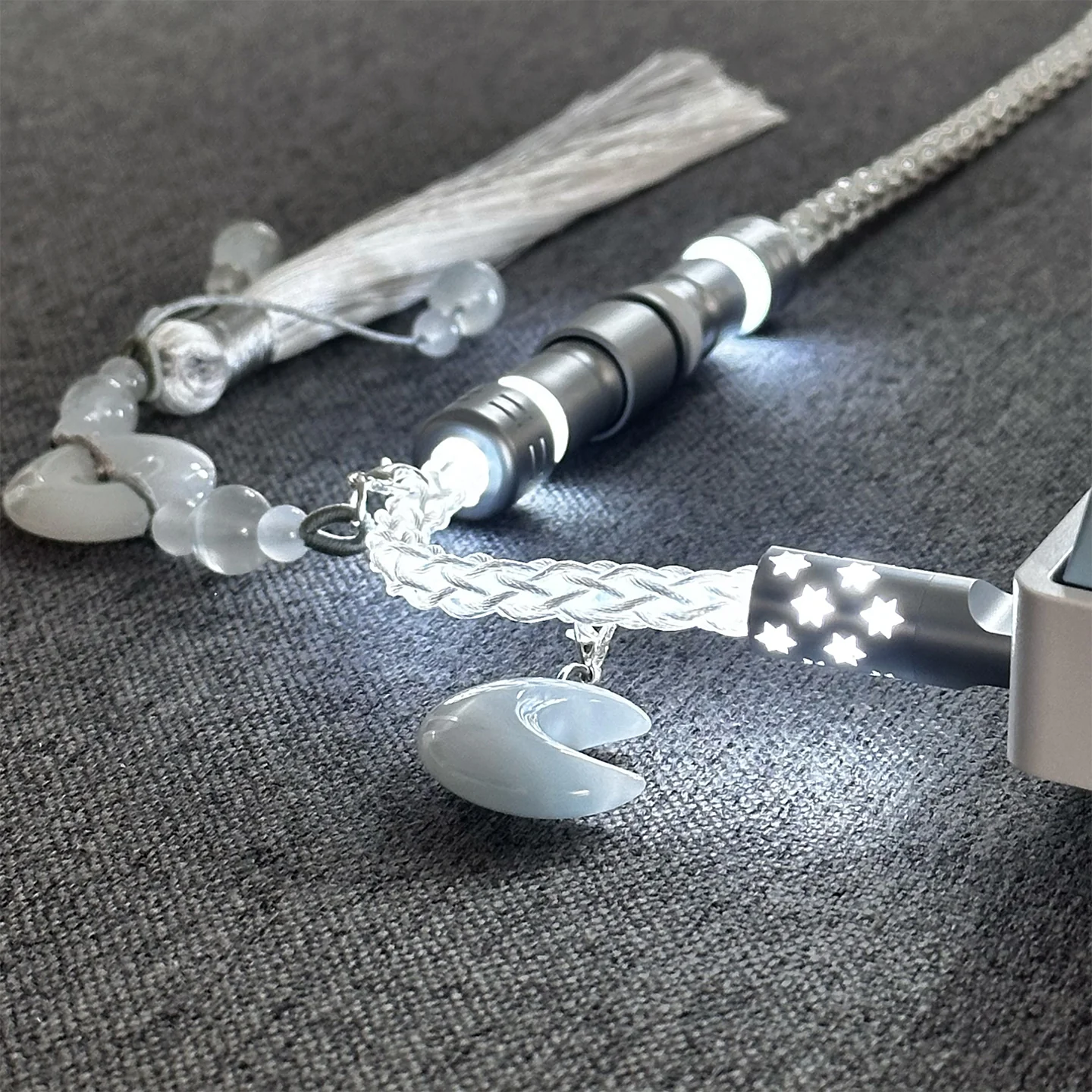
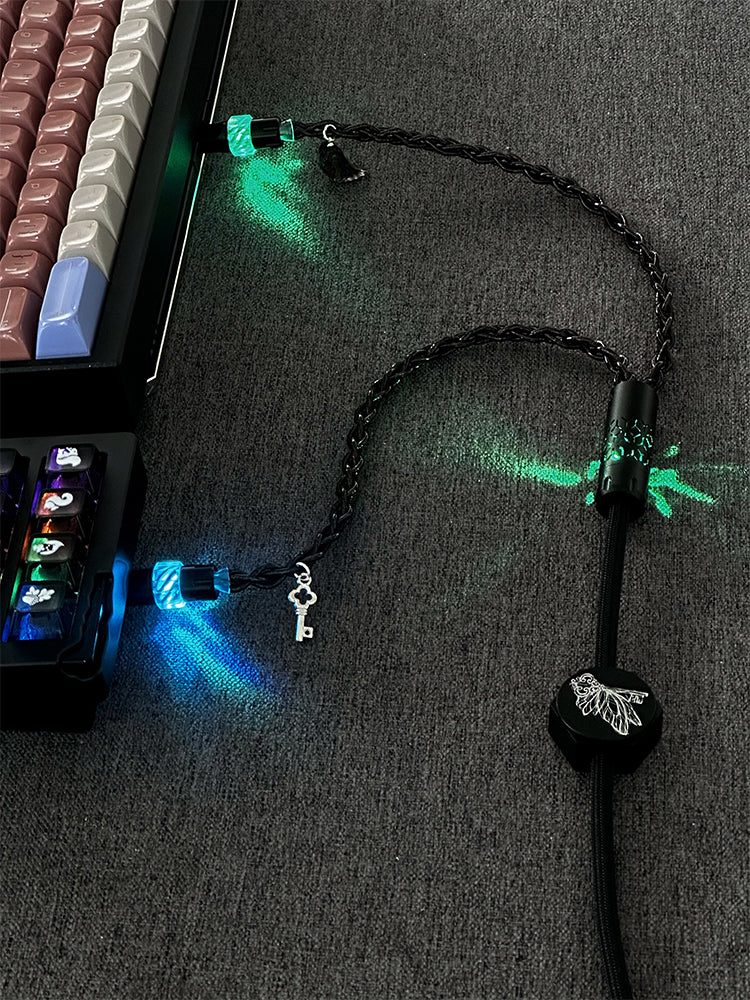
The UNKNOWN ERROR D35 is a dual 8K custom keyboard cable made for magnetic switch gaming keyboards that need fast, stable data transfer. It uses a USB Type-C connection and a one-to-two split layout, with independent magnetic control lighting built into the cable for a clean desktop look and e-sports styling.
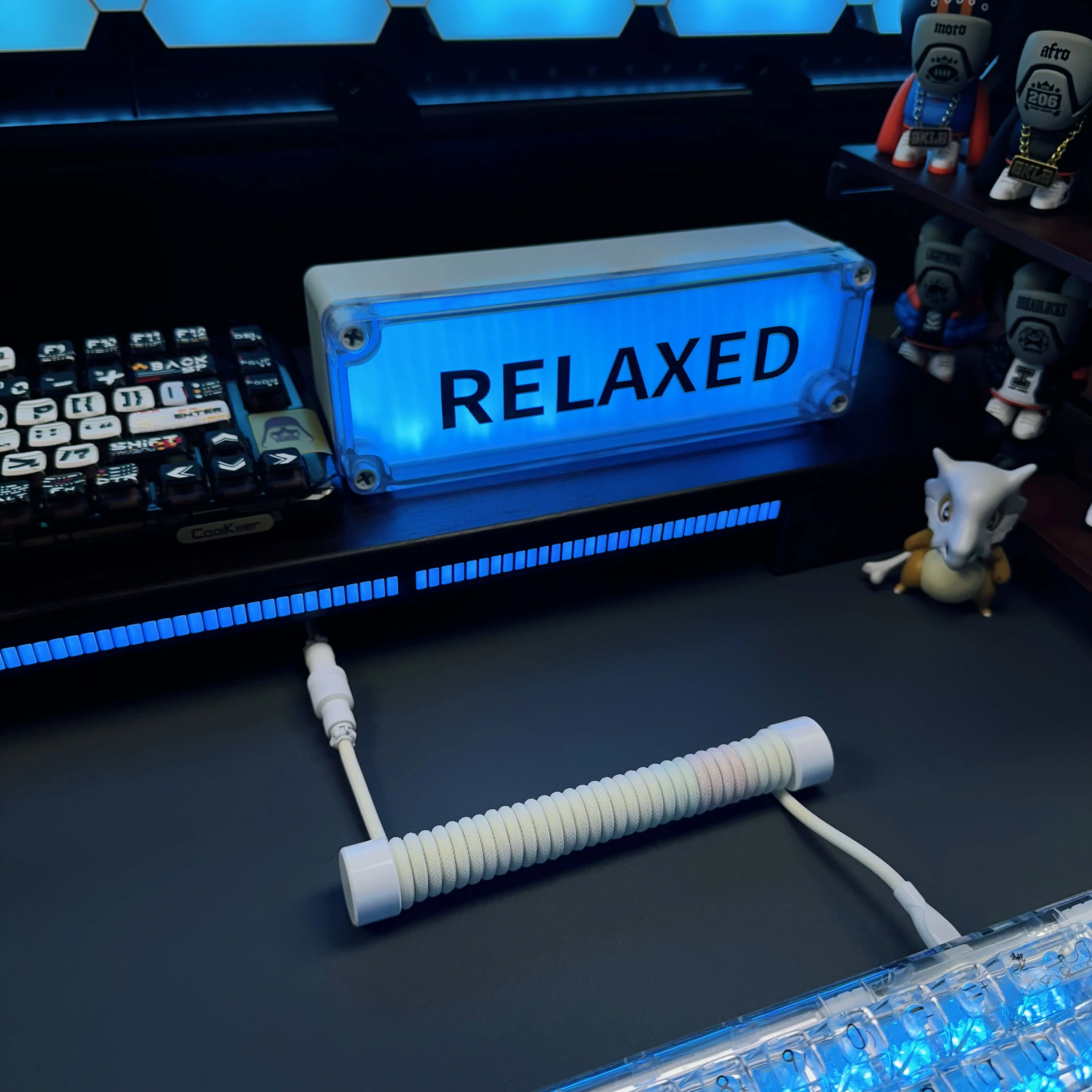
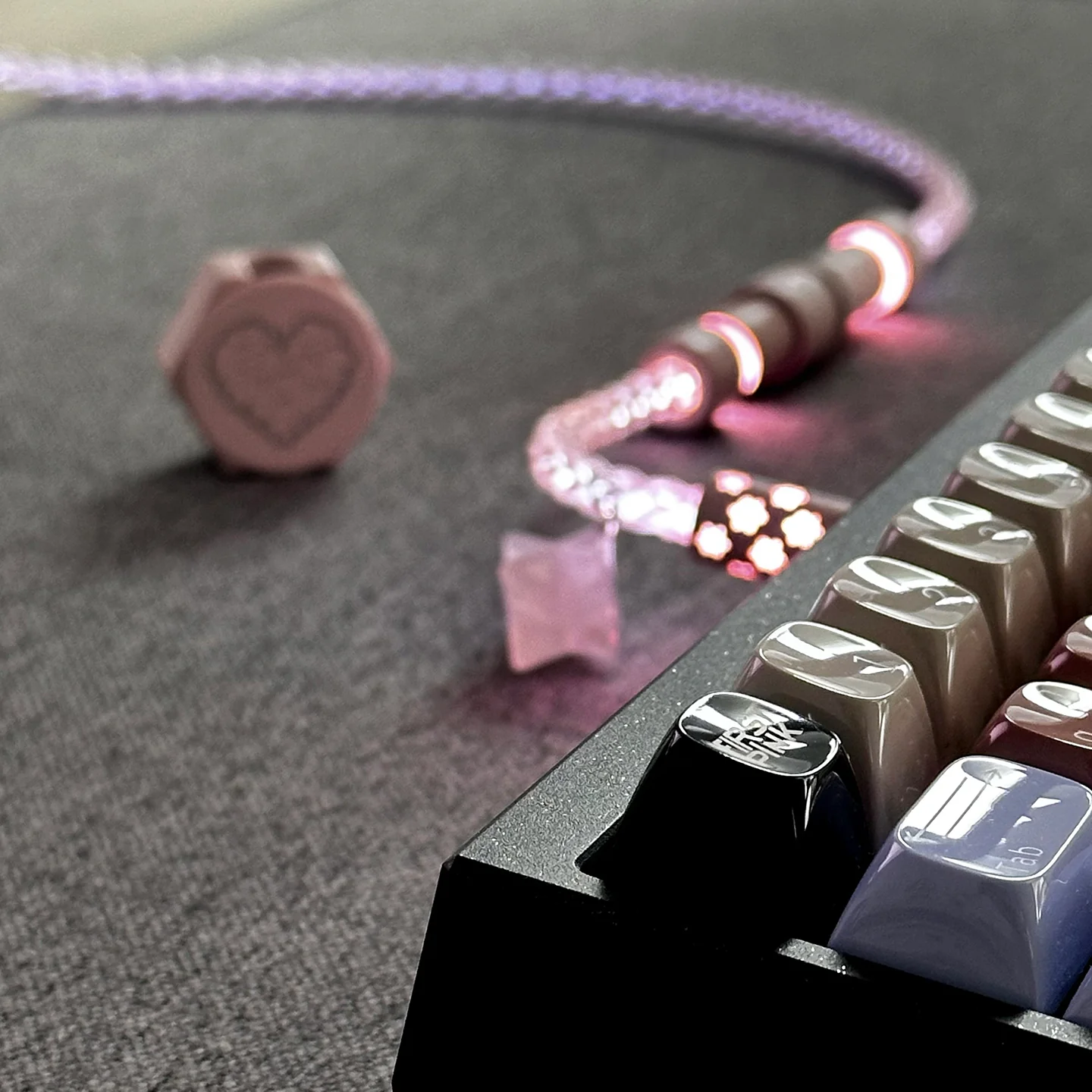
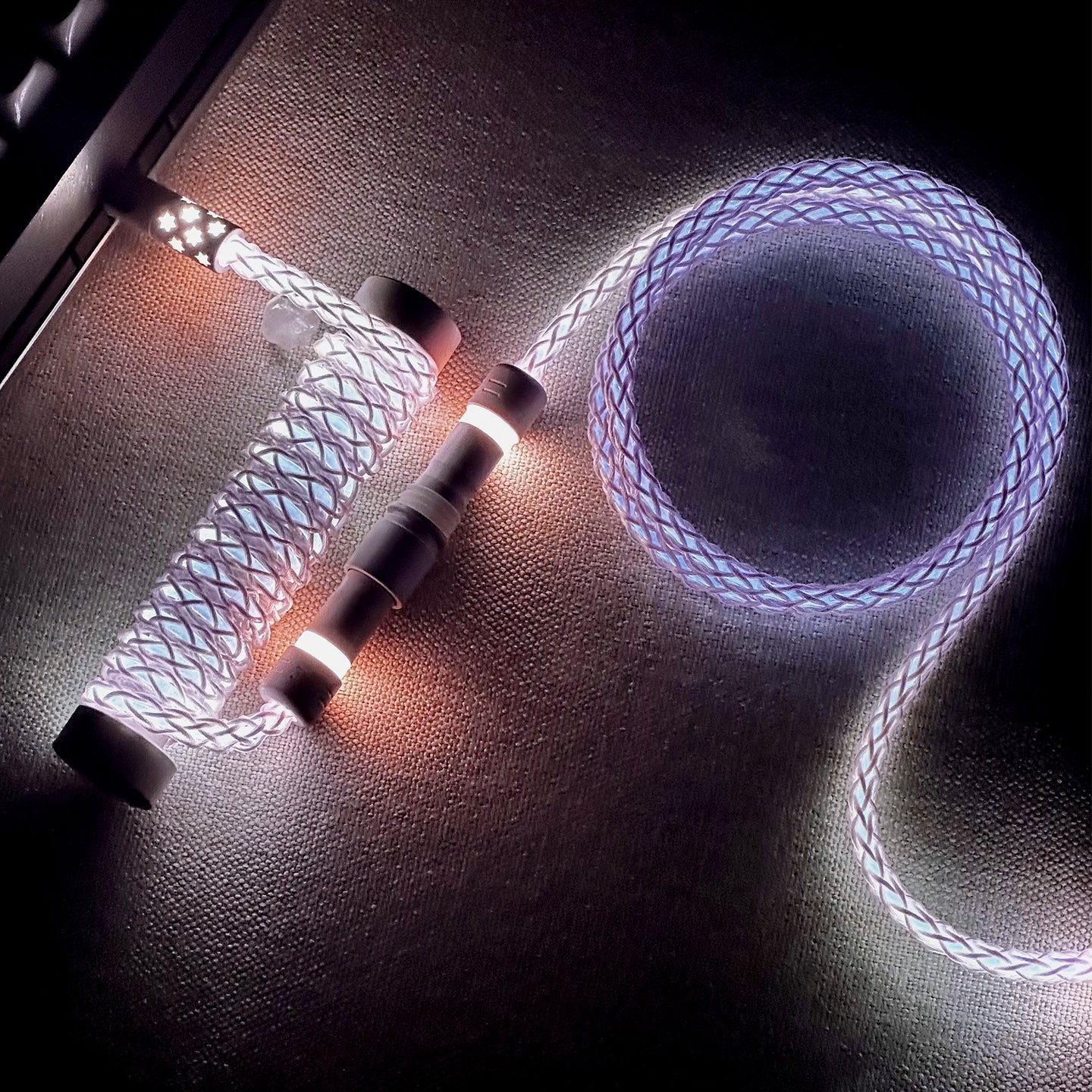
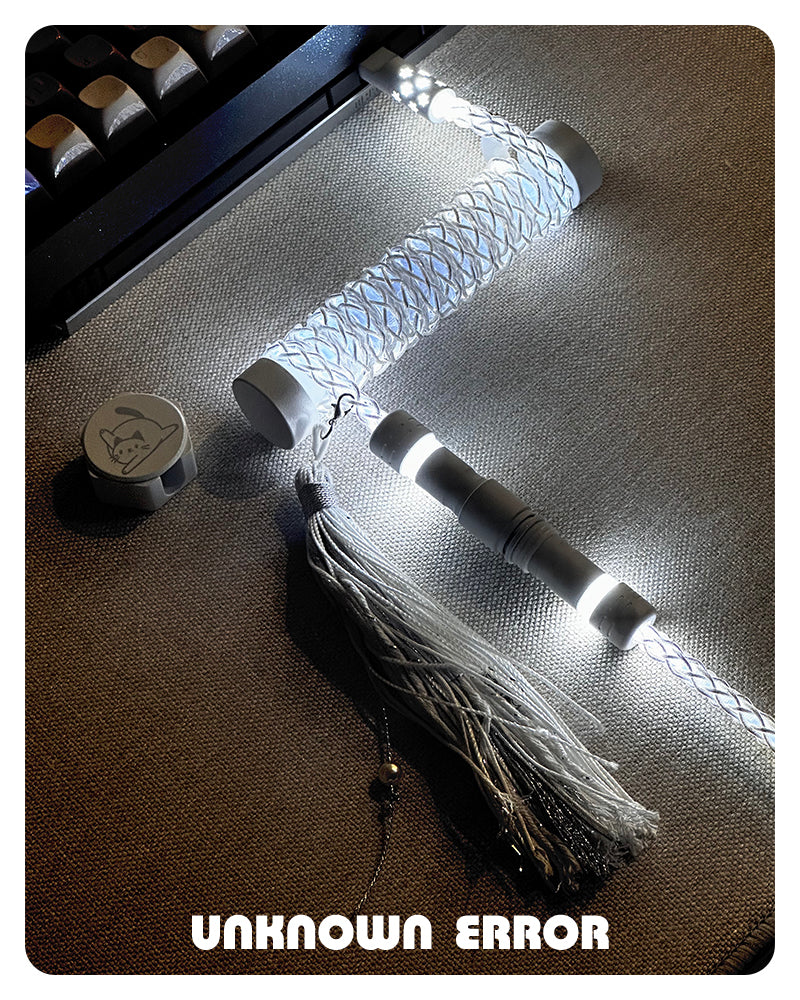
The lighting system includes three independently adjustable modules with memory, so your last-used lighting state is saved and restored automatically. You can switch between 10 lighting modes, including flowing, breathing, and fixed-color effects, and each lighting zone can also be turned off individually.
- Tap once to cycle through lighting modes.
- Tap and hold for 3 seconds to turn off the lights.
The cable is made for keyboard data transmission only and is not intended for phone use. The USB connection must be plugged into a USB 3.0 or 3.2 high-speed port.
Product Information
Product Information
Shipping & Returns
Shipping & Returns
Description
The UNKNOWN ERROR D35 is a dual 8K custom keyboard cable made for magnetic switch gaming keyboards that need fast, stable data transfer. It uses a USB Type-C connection and a one-to-two split layout, with independent magnetic control lighting built into the cable for a clean desktop look and e-sports styling.
The lighting system includes three independently adjustable modules with memory, so your last-used lighting state is saved and restored automatically. You can switch between 10 lighting modes, including flowing, breathing, and fixed-color effects, and each lighting zone can also be turned off individually.
- Tap once to cycle through lighting modes.
- Tap and hold for 3 seconds to turn off the lights.
The cable is made for keyboard data transmission only and is not intended for phone use. The USB connection must be plugged into a USB 3.0 or 3.2 high-speed port.